
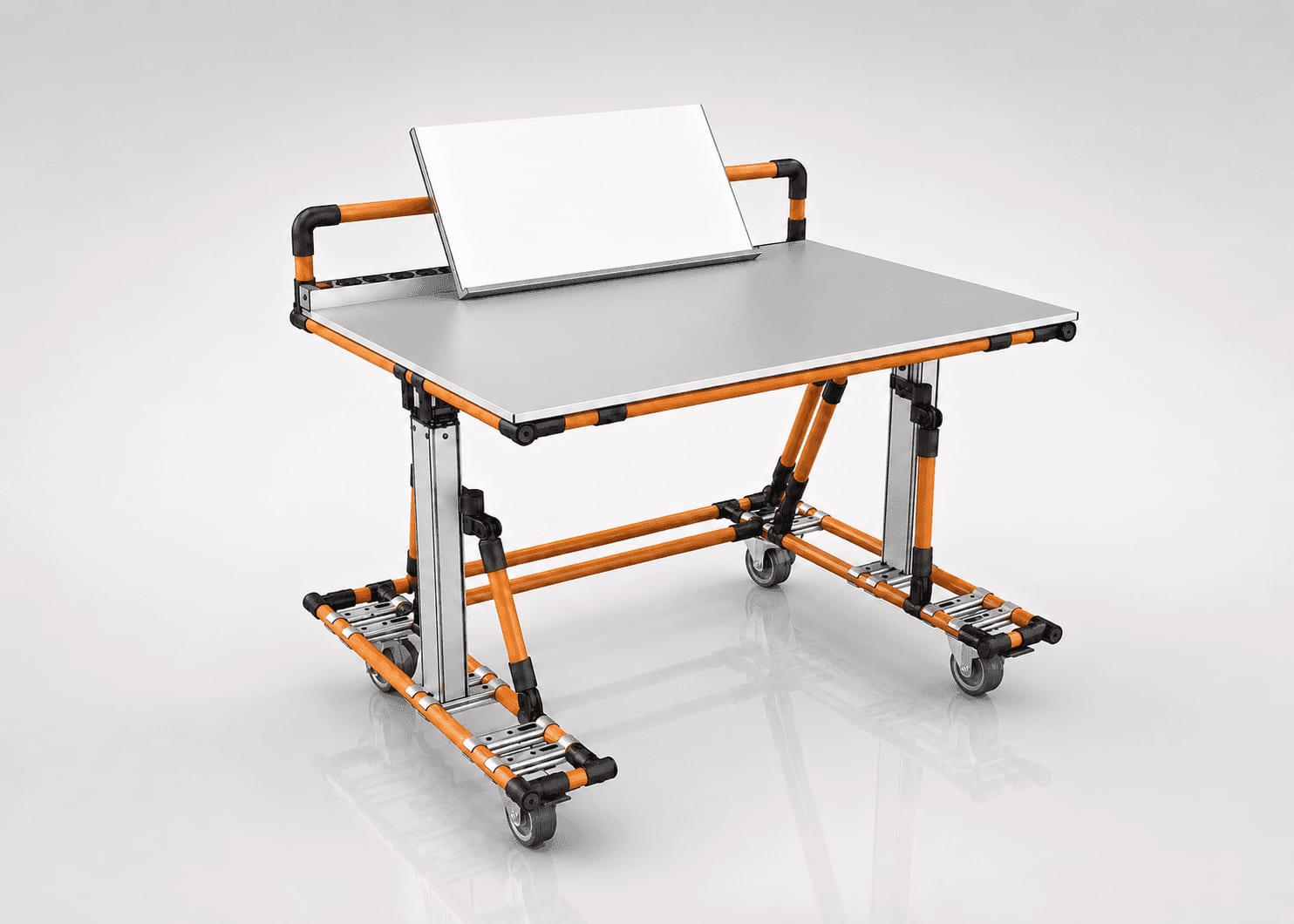
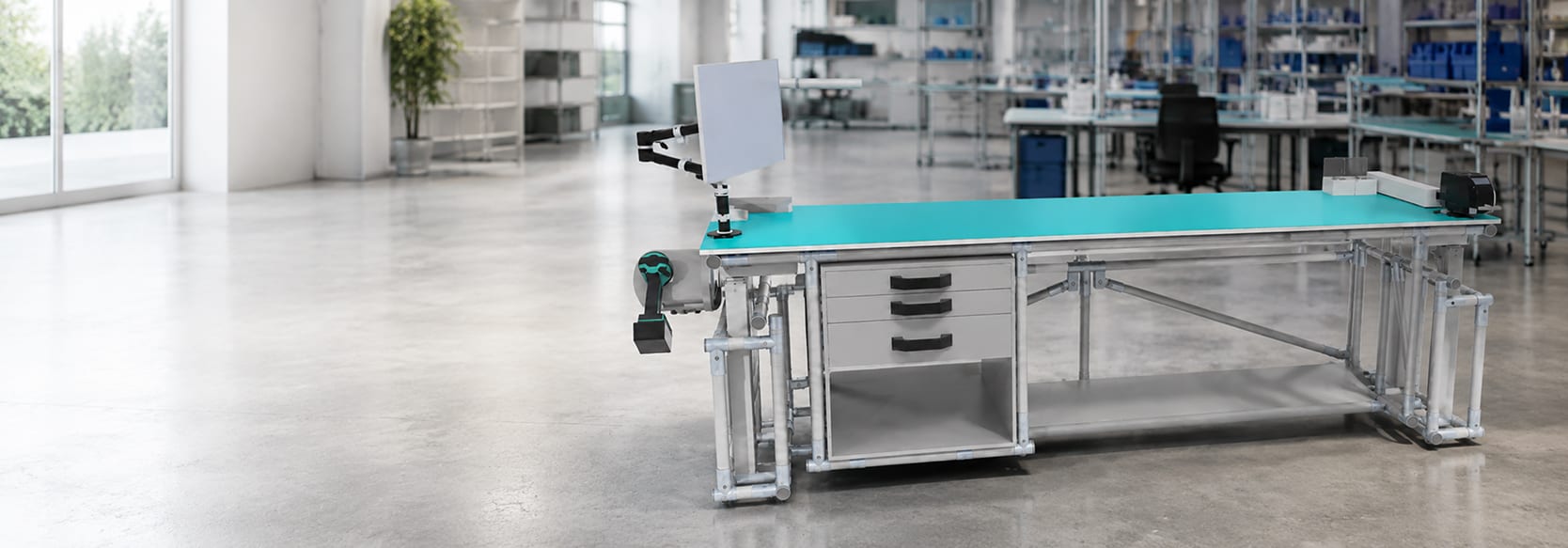
Ergonomic Workstation
The ergonomic workstation adapts the furniture to the human, not the other way around. Designed for the 5th and 95th percentile of the population, our stations prevent MSDs, encourage sit-stand alternation and offer a measured ROI of 10 to 15% additional productivity.
See our projects
100% customizable, locally made, MSD prevention and 10 to 15% productivity gain
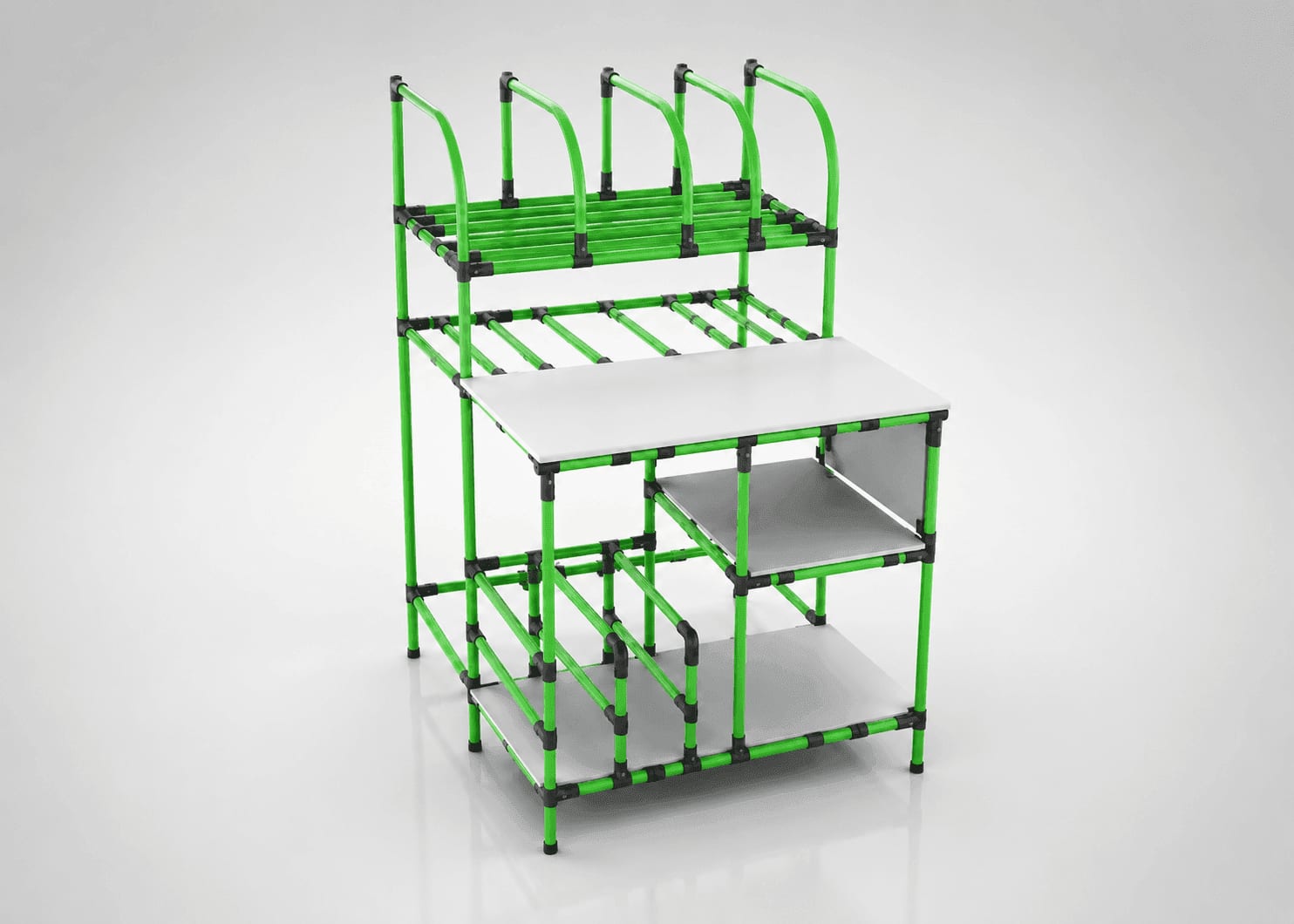
Poste de travail ergonomique
Explore a similar need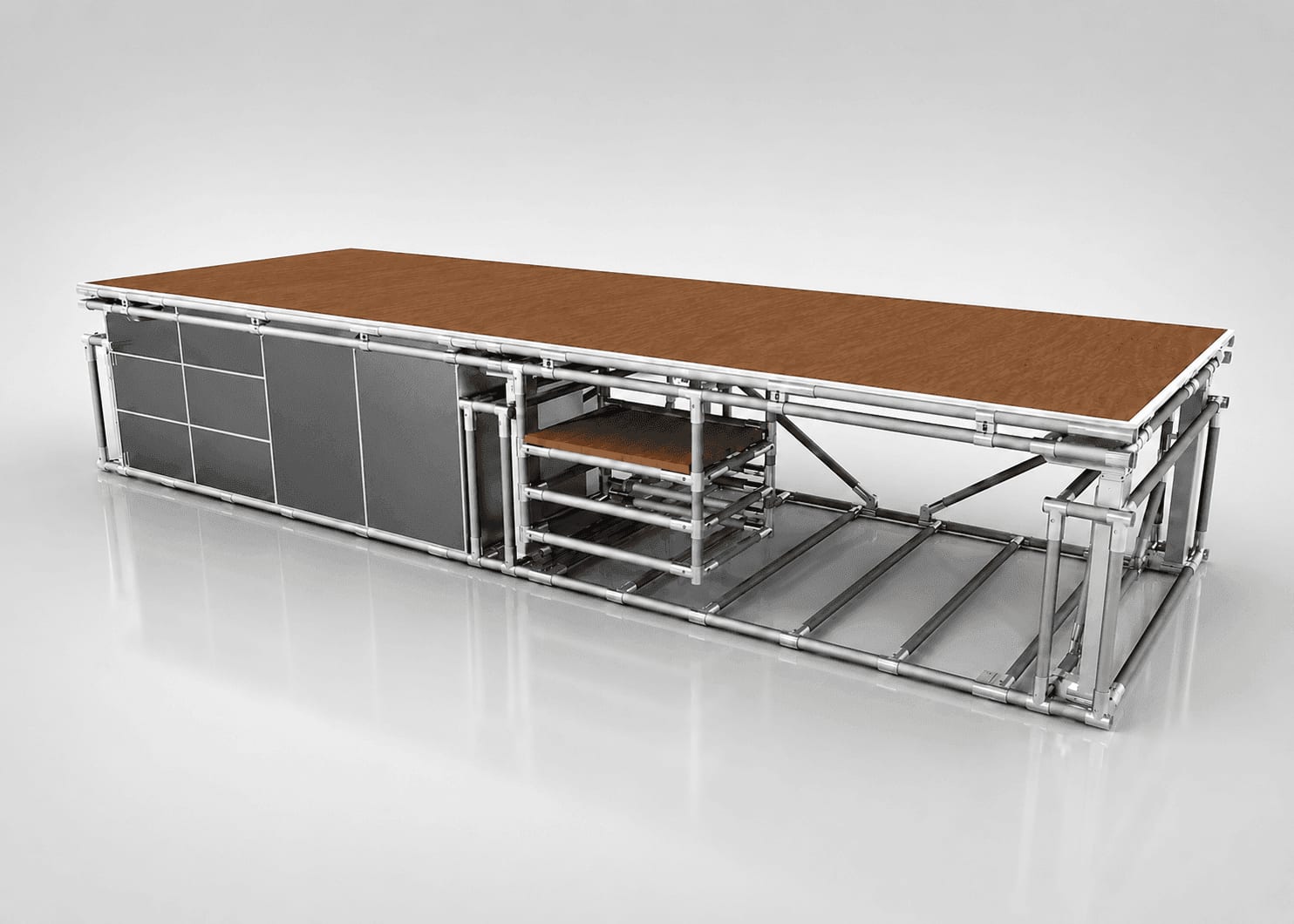
Poste de travail ergonomique
Explore a similar need
Poste de travail ergonomique
Explore a similar need
Poste de travail ergonomique
Explore a similar need
Poste de travail ergonomique
Explore a similar need
Poste de travail ergonomique
Explore a similar need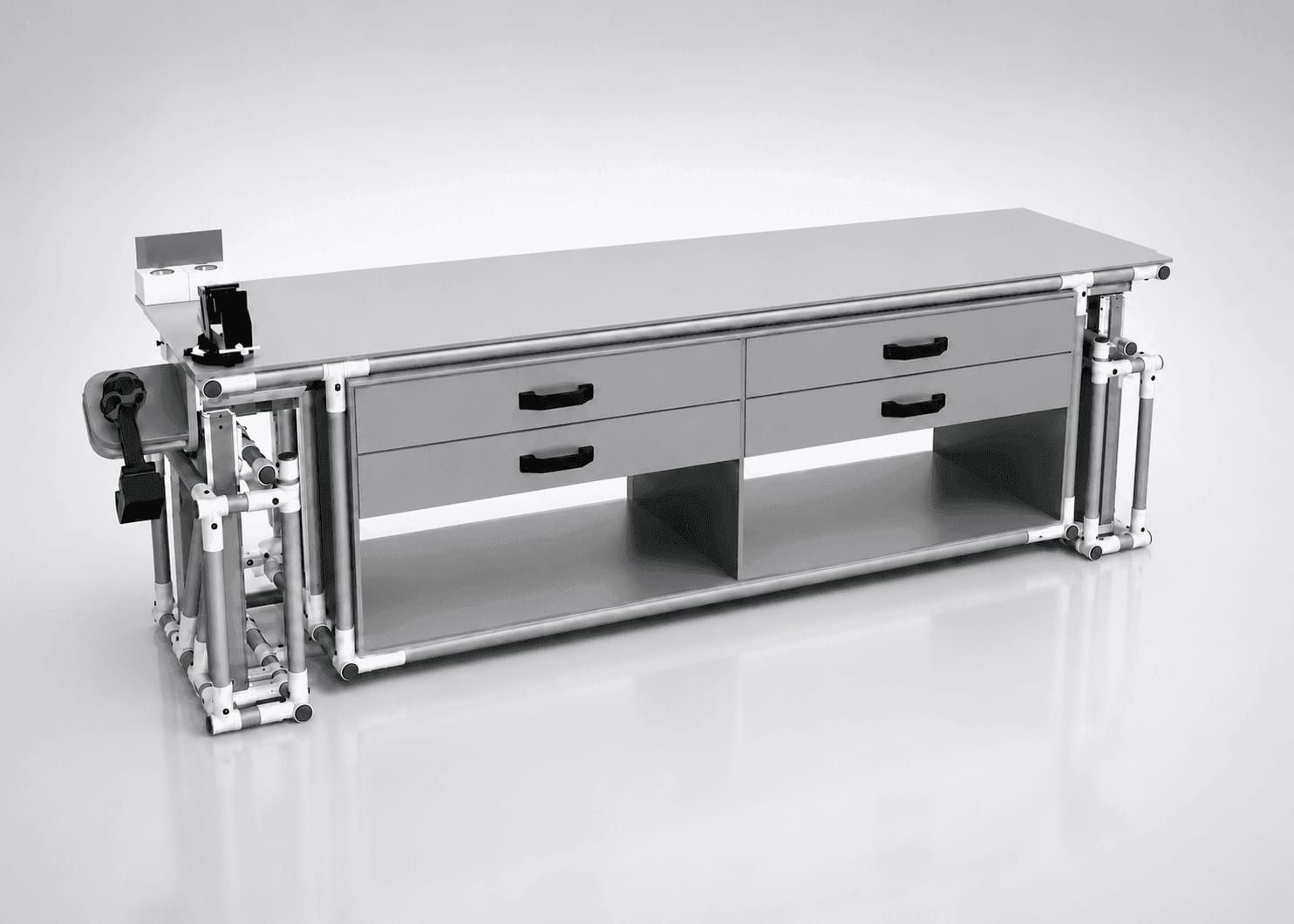
Poste de travail ergonomique
Explore a similar need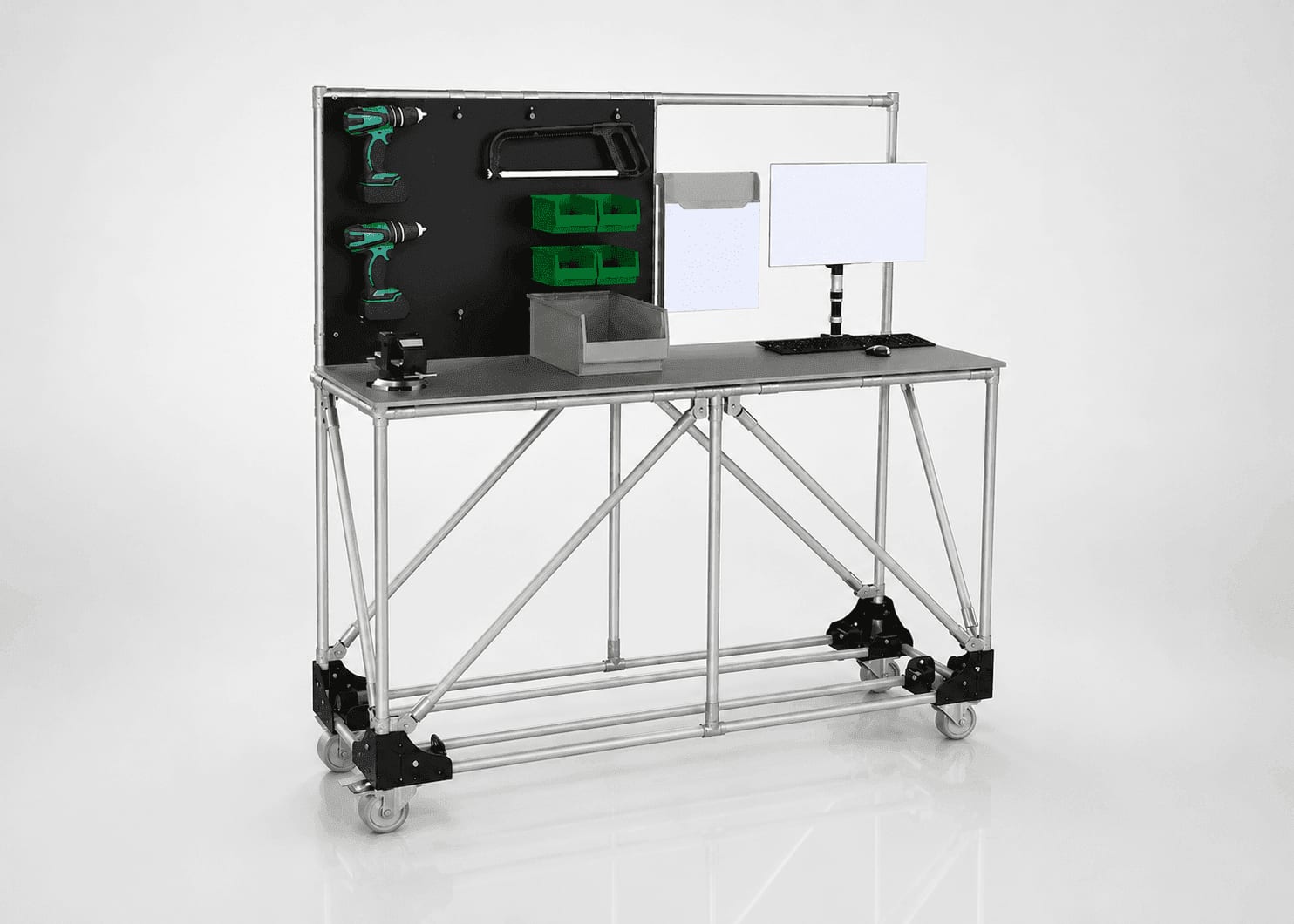
Poste de travail ergonomique
Explore a similar need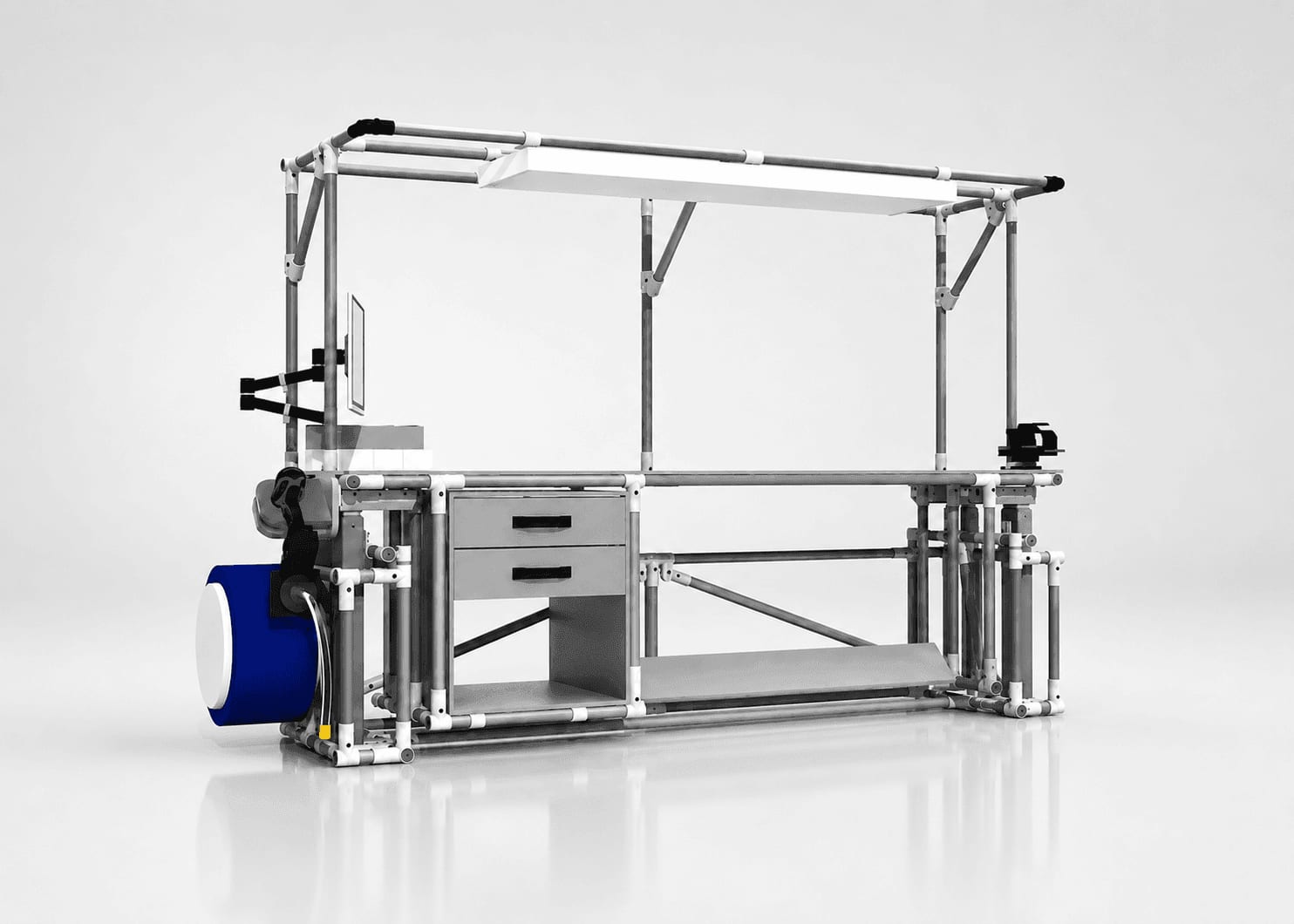
Poste de travail ergonomique
Explore a similar need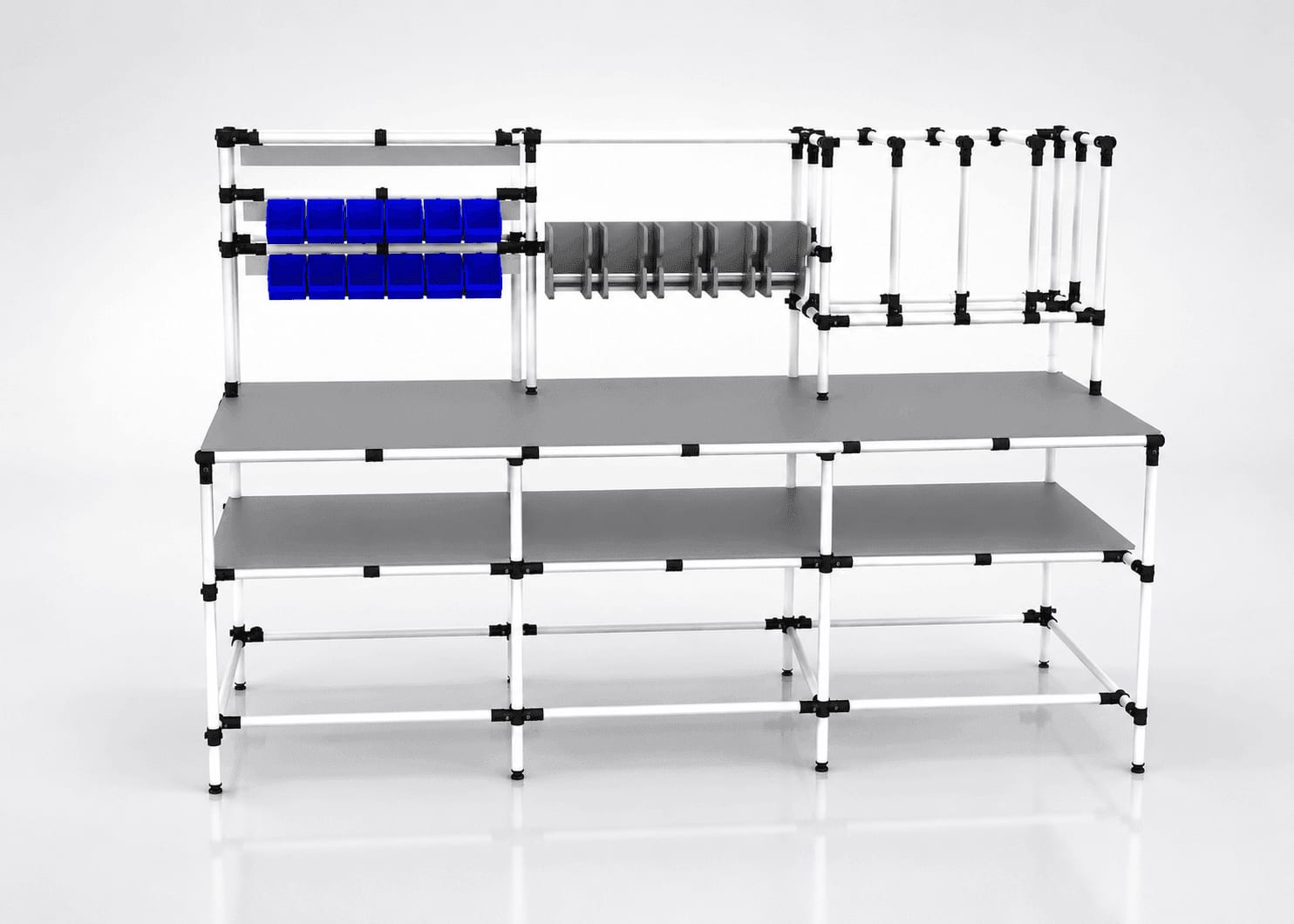
Poste de travail ergonomique
Explore a similar need
Poste de travail ergonomique
Explore a similar need
Poste de travail ergonomique
Explore a similar need
Poste de travail ergonomique
Explore a similar need
Poste de travail ergonomique
Explore a similar need
Poste de travail ergonomique
Explore a similar need
Poste de travail ergonomique
Explore a similar need
Poste de travail ergonomique
Explore a similar need
Poste de travail ergonomique
Explore a similar need
Poste de travail ergonomique
Explore a similar need
Poste de travail ergonomique
Explore a similar need
Poste de travail ergonomique
Explore a similar need
Poste de travail ergonomique
Explore a similar need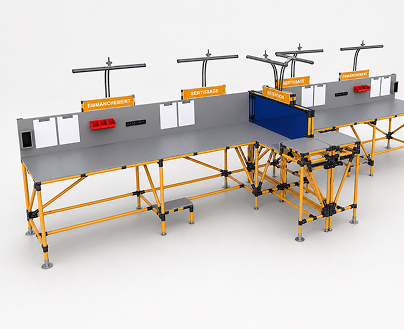
Poste de travail ergonomique
Explore a similar need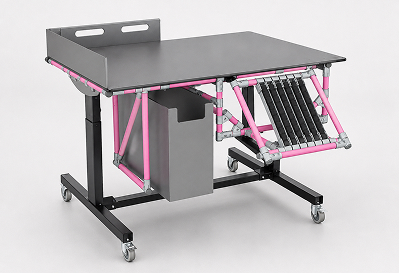
Poste de travail ergonomique
Explore a similar need
Key features of an ergonomic workstation
A solution designed to prevent MSDs and increase productivity sustainably.
Height-adjustable worktop (manual or electric)
Suited to the 5th and 95th percentile of the population
Reinforced structure resistant to shocks and chemicals
Sit-stand alternation favoring circulation and concentration
Optimized reach zones to reduce constraining movements
Measured ROI: productivity +10 to 15%, payback in 1 to 3 years
What types of ergonomic workstations exist?
Depending on the nature of tasks and user profile, several configurations exist:
Sit-stand workstations
Allow easy alternation between sitting and standing positions, favoring circulation and reducing muscular fatigue.
Modular workstations
Offer configurations adaptable to different tasks and users through adjustable elements.
Ergonomic computer workstations
Integrate adjustable screen mounts, wrist rests and optimal peripheral layout for computer work.
Ergonomic assembly workstations
Designed to present components at ideal height and within reach, reducing unnecessary movement.
Quality control workstations
Combine suited lighting, adjustable supports and accessible measuring tools to optimize verification processes.
Custom workstations
Personalized according to a precise analysis of your activity's and collaborators' specific needs.
Criteria for choosing your ergonomic workstation
4 dimensions to balance to make the right choice.
Nature of tasks and postures
For screen work, prefer an adjustable screen mount, a properly positioned keyboard and mouse, and a chair offering excellent lumbar support. For precise manual work, opt for a height-adjustable worktop with directional lighting and tool storage zones accessible without twisting. For varied tasks, a modular station allowing rapid reconfiguration is ideal.
Frequency and duration of use
For intensive prolonged use, invest in high-quality solutions with multiple adjustment possibilities. The chair must offer excellent support and allow regular micro-movements. For stations shared by several users, choose easily adjustable equipment with possible position memory. Plan integration of elements encouraging regular posture changes.
User characteristics
Size and morphology variations between users require highly adjustable equipment. Adjustment ranges must accommodate the 5th and 95th percentile of the population. For people with specific needs (existing back problems, mobility limitations), customized solutions validated by ergonomists should be considered.
Working environment
Ambient lighting, noise level and available space directly influence workstation choice. In a reduced space, prefer compact solutions retaining all adjustment functions. In noisy open spaces, consider acoustic elements. Station orientation to natural light sources must avoid glare and reflections on screens.
Essential components of an ergonomic workstation
Every MaKitLean station integrates proven elements for comfort and performance:
Height-adjustable work surfaces
Allow precise adaptation of the worktop to user size and task nature, sitting or standing.
Ergonomic chair
Offers adjustable lumbar support, depth-adaptable seat and adjustable armrests to maintain a neutral, comfortable posture.
Suited lighting systems
Combine ambient and directional lighting, intensity-adjustable and positionable to avoid annoying shadows and reflections.
Screen and document supports
Position information at eye height to maintain a neutral neck posture and reduce visual fatigue.
Ergonomic accessories
Footrests, wrist rests and forearm supports complete the station for optimal comfort.
Frequently asked questions
What are the main benefits of an ergonomic workstation?
+An ergonomic workstation significantly reduces MSD risks by favoring a natural posture and reducing physical constraints. It reduces fatigue through better effort distribution and sit/stand alternation. For the company, productivity increases by 10 to 15% through reduction of downtime linked to pain or discomfort. We also observe a reduction in errors thanks to better concentration. In the long term, investing in ergonomic workstations leads to a significant reduction in absenteeism and associated costs, with an observed ROI in 1 to 3 years depending on the sector.How do you determine the ideal height of an ergonomic worktop?
+The ideal height varies with the type of task and morphology. For precision work seated (assembly, careful inspection), plan 5 to 10 cm above the elbow. For light seated work (computer), the optimal height is at or slightly below the elbow. For standing work requiring force, plan 15 to 20 cm below the elbow to allow use of body weight. Measure elbow height in working position (90° angle) and adjust to task. For shared stations, a quick adjustment system is essential. Ideal remains an electrically height-adjustable worktop that allows sit-stand alternation.How do you efficiently organize an ergonomic workstation?
+Organization rests on the principle of optimal reach zones. Place frequently used items in the primary zone (within reach without arm extension), occasional items in the secondary zone (with extension), and rarely used objects in the tertiary zone (requiring movement). Organize elements vertically between shoulders and hips to avoid extreme movements. For a computer station: screen at eye height, an arm's length away, perpendicular to light sources. Keyboard and mouse in neutral wrist position.What's the difference between a standard and an ergonomic workstation?
+The fundamental difference lies in the conceptual approach. A standard workstation is designed according to average dimensions, with few adjustment possibilities, following a "one size fits all" principle that forces the user to adapt to the station. Conversely, an ergonomic workstation starts from the principle that the station adapts to the user and their tasks: multiple adjustment possibilities (height, screen, tilt), considering biomechanical principles to favor neutral postures. It integrates specific elements: adaptive lighting, vibration damping, acoustic optimization, anti-fatigue solutions. While the initial investment is higher, the ROI is fast through MSD reduction, productivity improvement and absenteeism reduction.
Ready to invest in MSD prevention?
Our engineering office and ergonomists design every workstation to measure from a precise analysis of your tasks and users.